
Everything you need for effortless flight logging
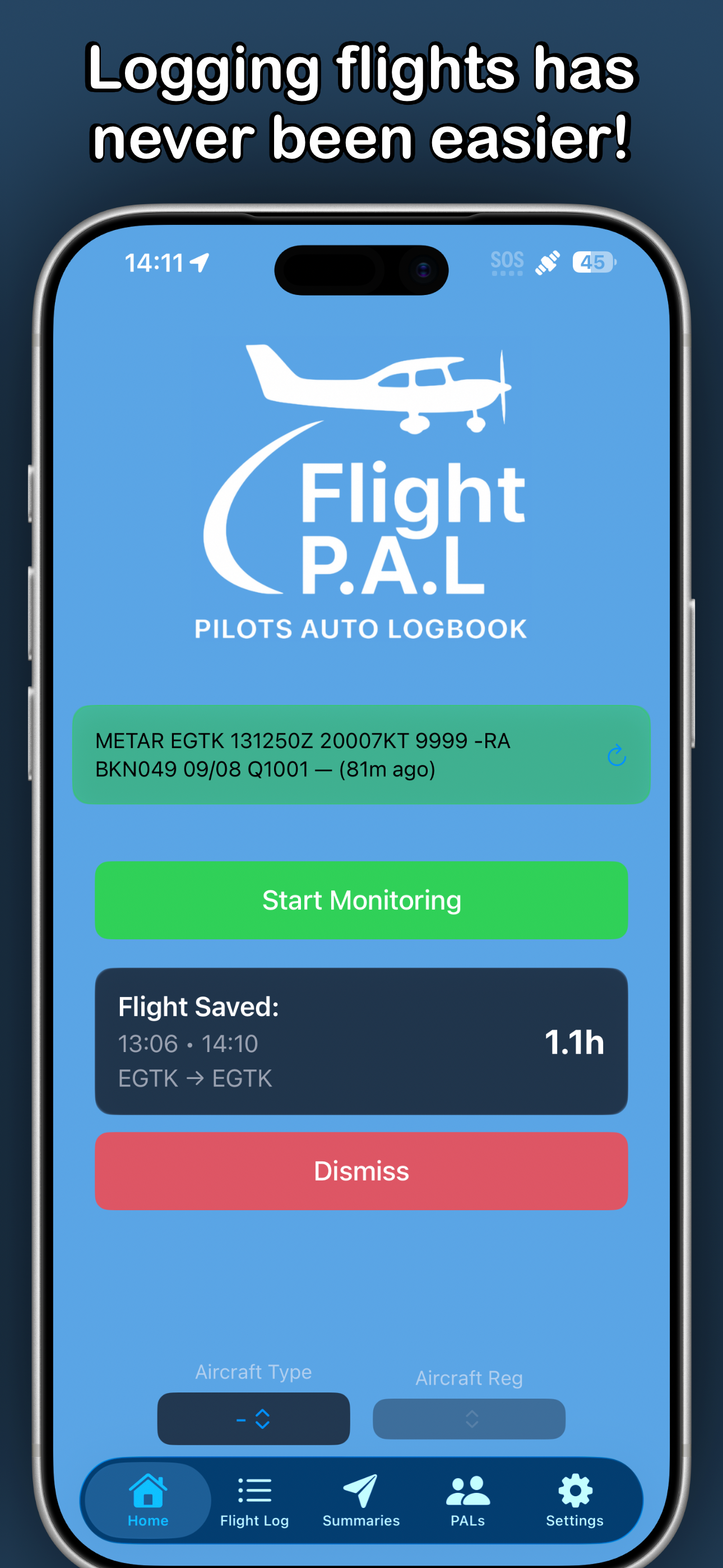
Start and stop your flight with a tap - then review and edit the entry whenever you need. FlightPAL is built around convenience, with smart defaults and clean summaries.
One-tap logging
Start/Stop with user-initiated actions to capture block times quickly and consistently.
Auto-filled details
Departure/arrival airfields and key details are streamlined using GPS and configurable defaults.
Clear career summary
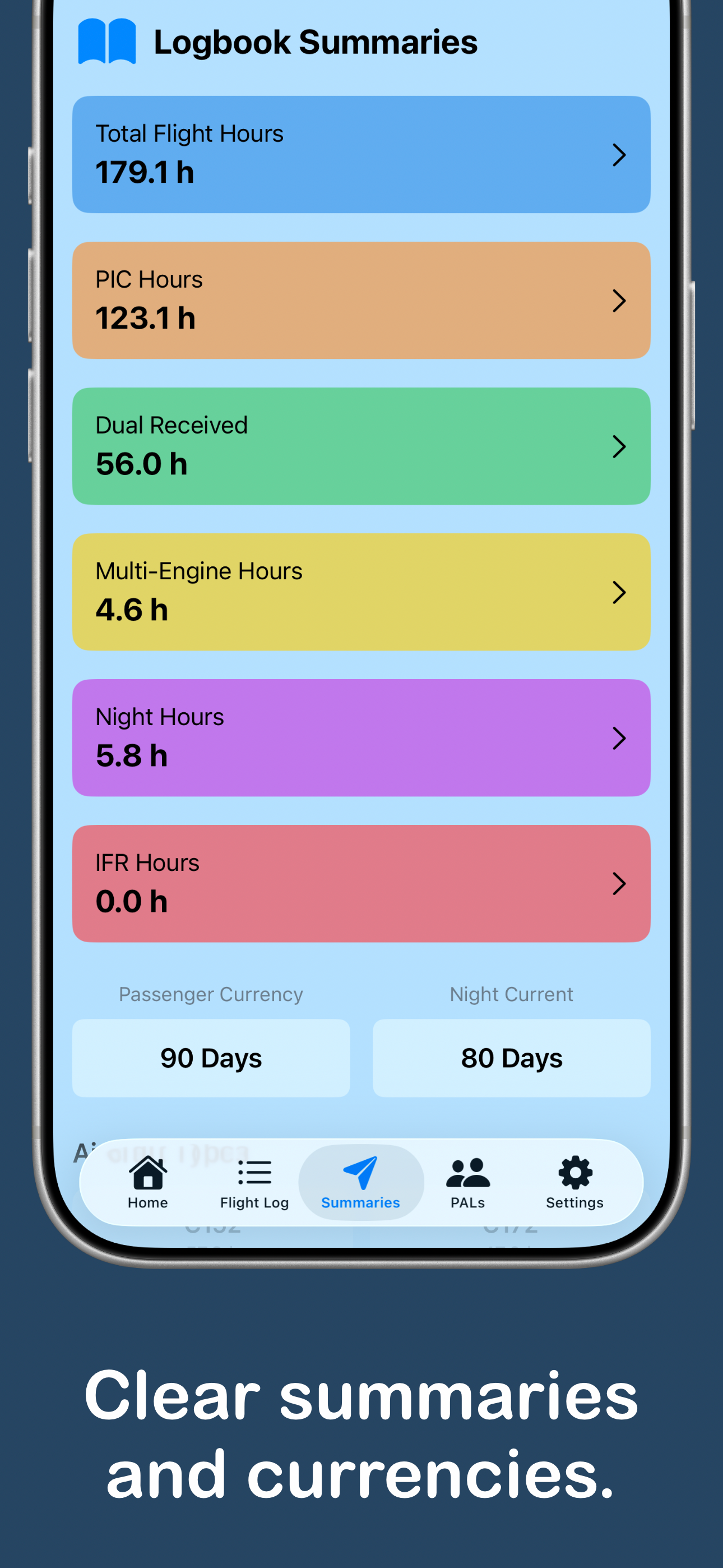
A concise overview page helps you track training/career progress at a glance.
How it works
Built to reduce admin time.
Tap Start - Or use Siri
Begin logging with a single action. Let your defaults handle the repetitive bits.
Fly
Flight Monitor uses GPS and Motion data to evaluate flight phases - Starting, tracking and stopping the flight automatically.
Flight Closed & Review
Upon flight completion, the monitor closes and saves the flight. Review the newest entry in your logbook to confirm details.
Meet Flight PALs
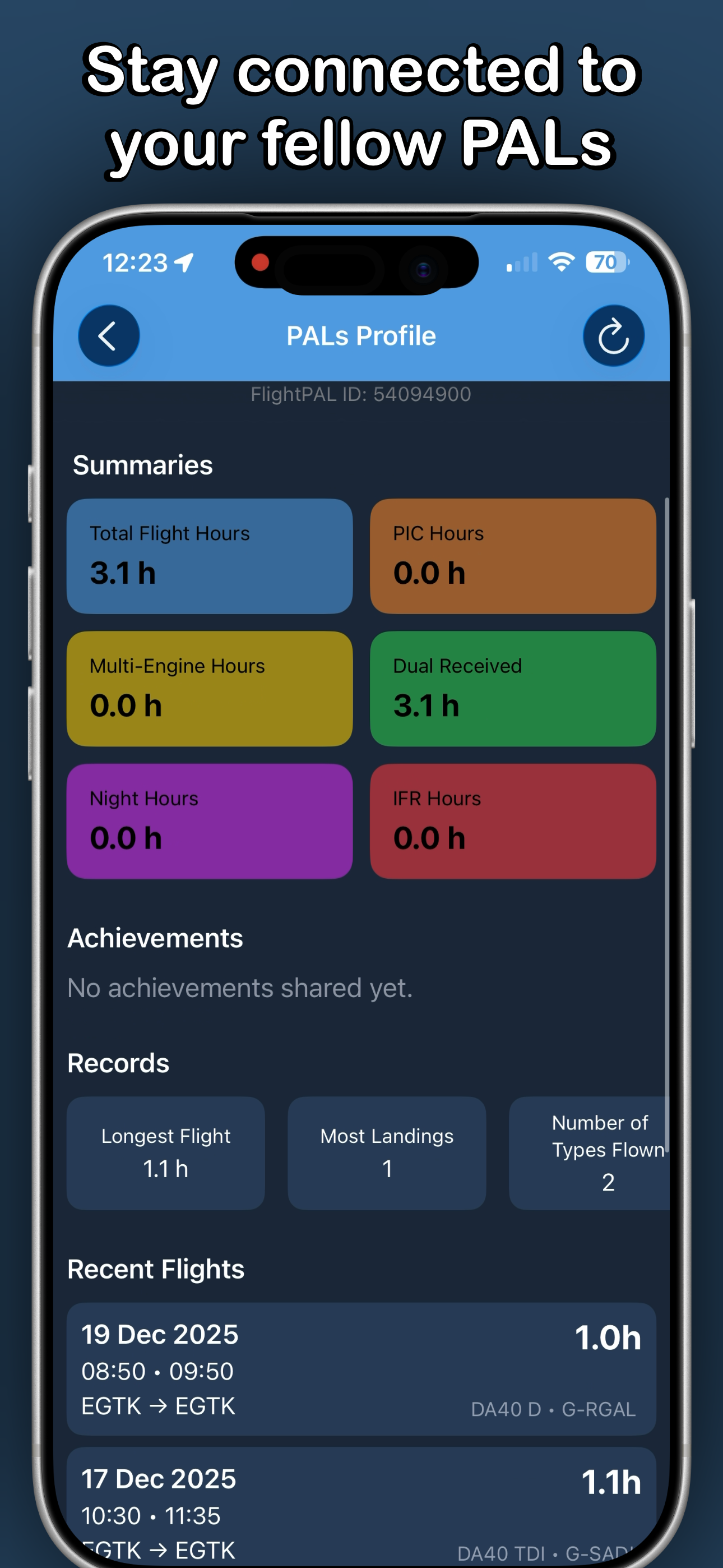
Flight PALs adds a social layer: Profile view shows summaries, achievements, records - designed to help you stay in touch with your fellow pilot Pals.
Friends
Add friends and view friends profiles.
Achievements
Goals to work towards as you build hours and experience.
Records
Showcase your milestones and standout stats on your profile.
Ready to try FlightPAL?
Visit the App Store page to change the way you log flights.
Support
If you have questions, feedback, or an issue while using FlightPAL, contact support below.
Contact
Email: mathewpayne1307@icloud.com
If you have any suggestions for features or improvements - Get in touch! If you encounter issues, include your device model + iOS version and a short description of what happened.
Frequently Asked Questions
How are flights logged?
FlightPAL uses user-initiated Start and Stop actions to record block times, plus GPS location to help identify airfields, alongside configurable defaults for other flight details.
What is Flight Monitoring?
When enabled, Flight Monitoring uses GPS and motion data to help determine transitions like Parked → Taxi → Airborne → Taxi → Parked. You can choose whether flights are logged Off block → On block, or Takeoff → Landing.
Can I edit my flight entries?
Yes - logged flights can be reviewed and edited in the app if anything needs adjusting.
Where does weather data come from?
METAR weather data is provided by the NOAA Aviation Weather Center and shown for informational purposes.
What is Flight PALs?
Flight PALs is the social side of FlightPAL. Add friends, view profiles including summaries, achievements and records.